Solibri, Inc. Solibri, Inc. The World Leader in Design Spell Checking


Home arrow Solibri Model Viewer

Solibri Model Viewer / IFC Viewer

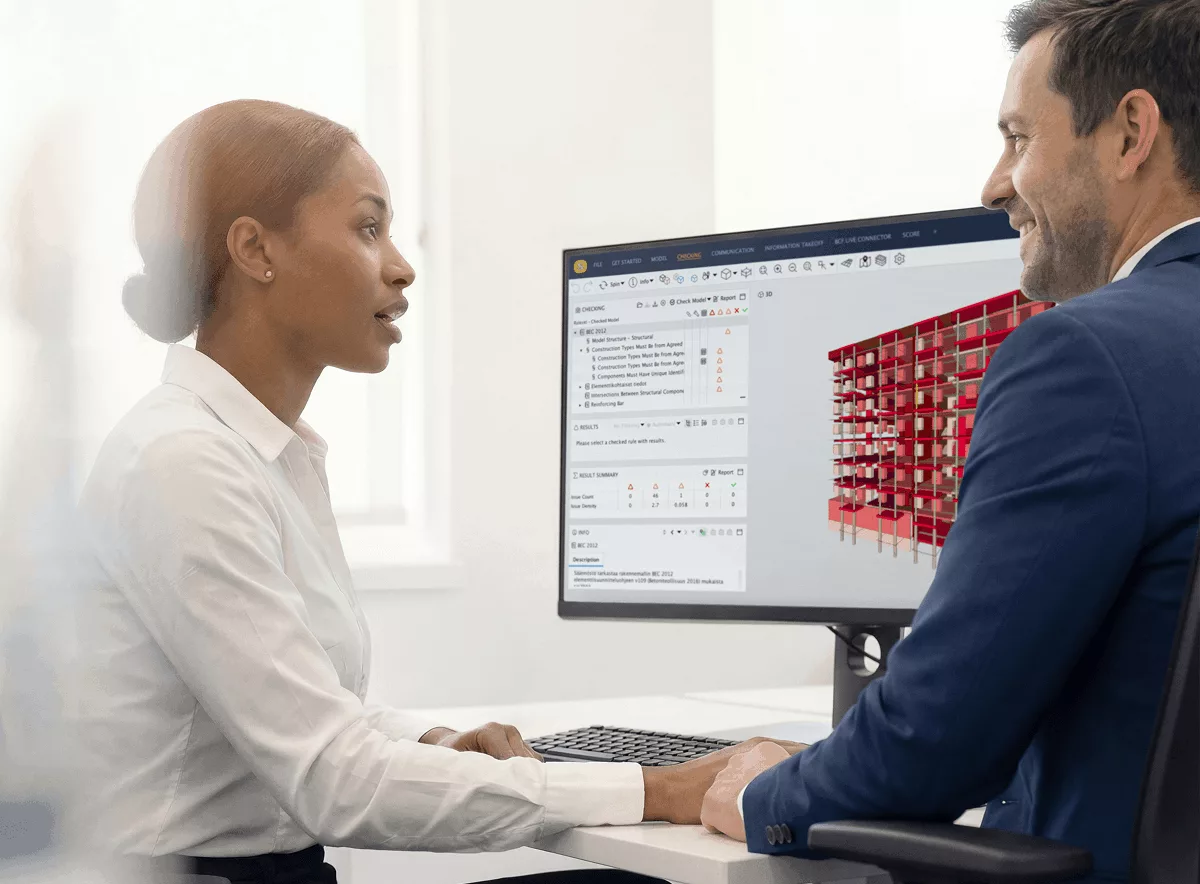
Solibri Model Viewer is built for viewing Open Standard IFC files and Solibri Model Checker files. Solibri Model Viewer  brings BIM files from all IFC compatible software products available for you in a single environment. It works on PC and Macintosh platforms.


Solibri Model Viewer
the Tromso University College (HITOS)

With the commercial Solibri Model Checker product you can make rule based analysis of the quality of your BIM files and designs. With Solibri Model Viewer these analysis results can be shared with the whole design team, owner and future users of the building. Analysis results are shown using the same powerful Automated Issue Navigator (AIN) that Solibri Model Checker has.

The technology Solibri Model Viewer uses is proven to be one of the fastest and most reliable with IFC files. Although Solibri Model Viewer as such is not part of the international certification process the core technology is IAI-certified.

Using Solibri Model Viewer is free of charge. We appreciate any comments and feedback that will help us to develop it further. However there is no warranty or promise to support for the free version.

Features of Solibri Model Viewer

  • The software usage is free of charge
  • Runs on Windows, Mac OS X and some Linux distros
  • Imports IFC2.0, IFC2x, IFC2x2, and IFC2x3 files
  • Imports Solibri Model Checker files including results and presentations

1. Register and Login

To run free Solibri Model Viewer, please register or sign in using login form

2. Verify that you have Java installed

To run Solibri Model Viewer you must have Java Runtime Environment installed.

Download Java for your computer.

Verify that you have the recommended version of Java installed for your operating system.

3. Start Solibri Model Viewer

icon Start Solibri Model Viewer

  • Standard configuration for computer with at least 2GB of installed memory and you view large models
  • Please update your display driver if the 3D view is gray after you have opened a model.

icon Start Solibri Model Viewer for Computers with Limited Installed Memory

  • Use this configuration when you have LESS THAN 2GB of installed memory available.

icon Start Solibri Model Viewer DirectX

  • Use DirectX configuration if your display driver has insufficient OpenGL support and the 3D view is gray after you have opened a model..

We hope you enjoy using Solibri Model Viewer! You can send feedback to This e-mail address is being protected from spam bots, you need JavaScript enabled to view it

Check out Solibri Model Viewer news time to time.

Example Models

http://www.ifcwiki.org/ifcwiki/index.php/Examples

Solibri Model Checker Model 1 (Arch. model, Checking results, Presentation)

Solibri Model Checker Model 2 (Arch. and Vent. model, Checking results, Presentation)

Mac OS X 10.3.x

To run Solibri Model Viewer in Mac OS X 10.3.x you must have also Java 3D installed. You can get Java 3D from here

http://www.apple.com/downloads/macosx/apple/macosx_updates/java3dandjavaadvancedimagingupdate.html

Getting the latest version:

If you use the desktop integration that allows to use Solibri Model Viewer offline it is recommended time to time update your version by running the software from link provided on this page. The update process is automatic.

 
Latest News

Solibri Model Checker


Solibri Model Viewer

Solibri IFC Optimizer

(C) 2008 Solibri, Inc®.Solibri is a registered trademark. All other product or company names used are the trademarks or registered trademarks of their respective owners