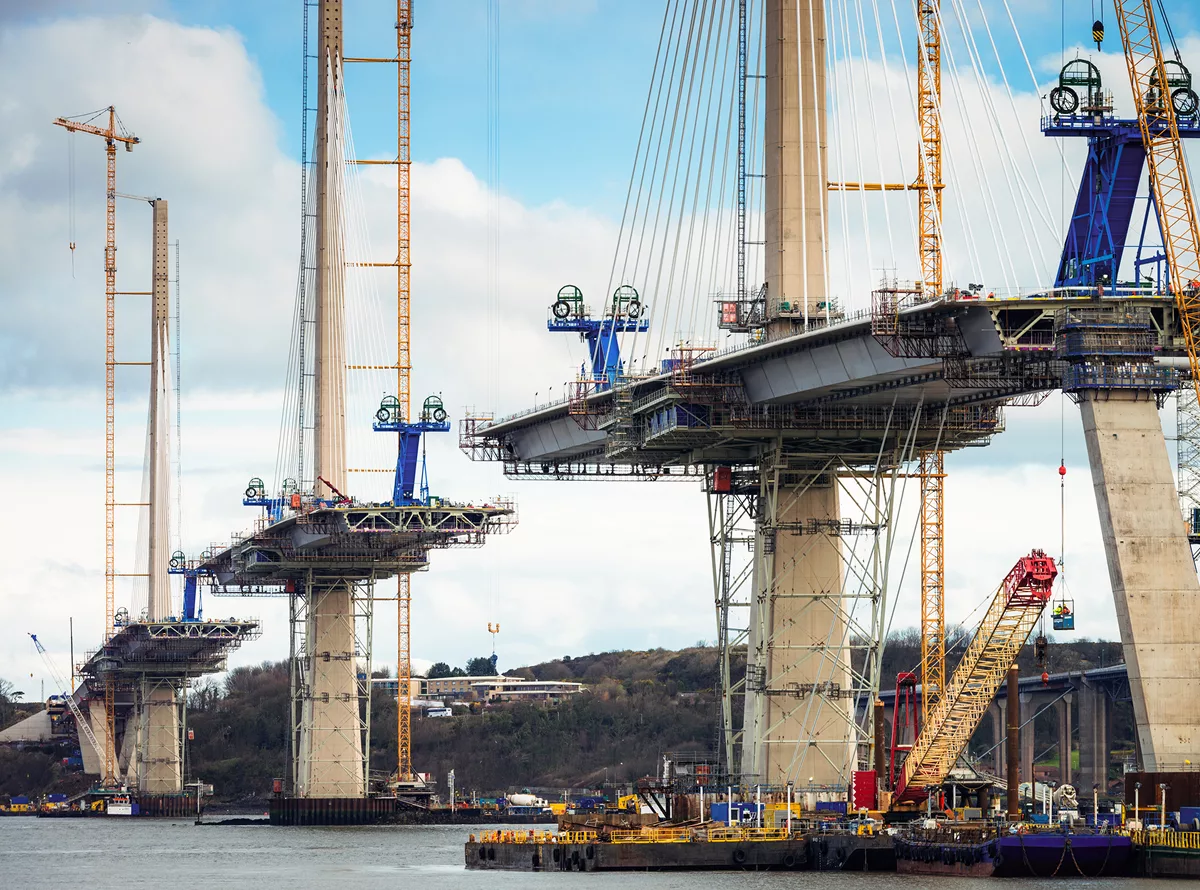
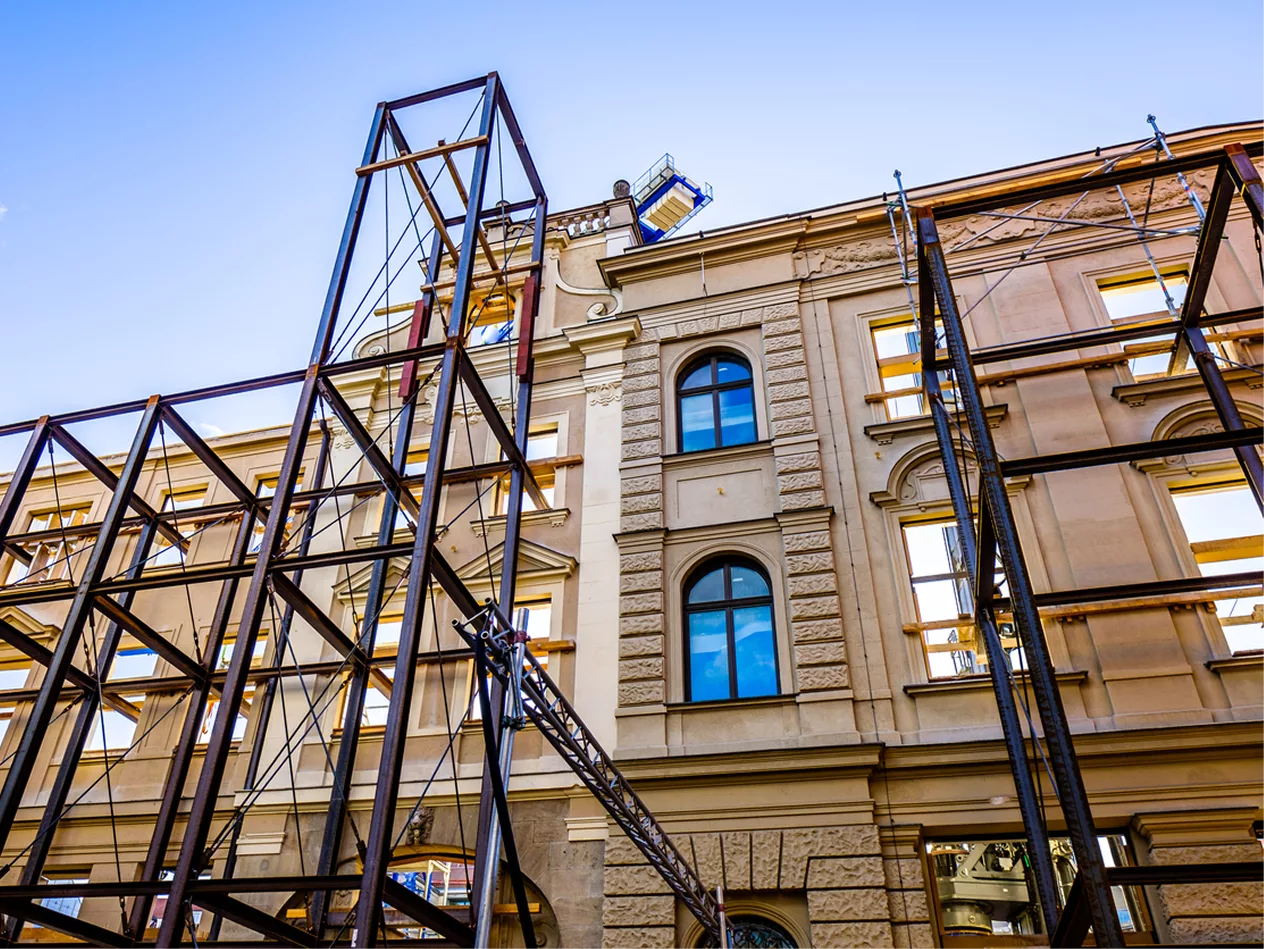
Construction does not always follow the model. Components shift during installation. Clearances that were adequate on paper are insufficient in the field. Structural elements, mechanical runs, and architectural finishes occupy space that the design assumed was free.
For most teams, identifying these deviations means conducting visual inspections on site, comparing photographs against drawings, or relying on individual site engineers to flag discrepancies before they become problems. This process is slow, inconsistent, and dependent on who happens to be in the right place at the right time.
Laser scanning changes what is possible. When a site scan is captured as a point cloud, every measured surface, obstruction, and deviation from the design intent is present in the data. The limitation has not been the data: it has been the inability to check it systematically against the model.
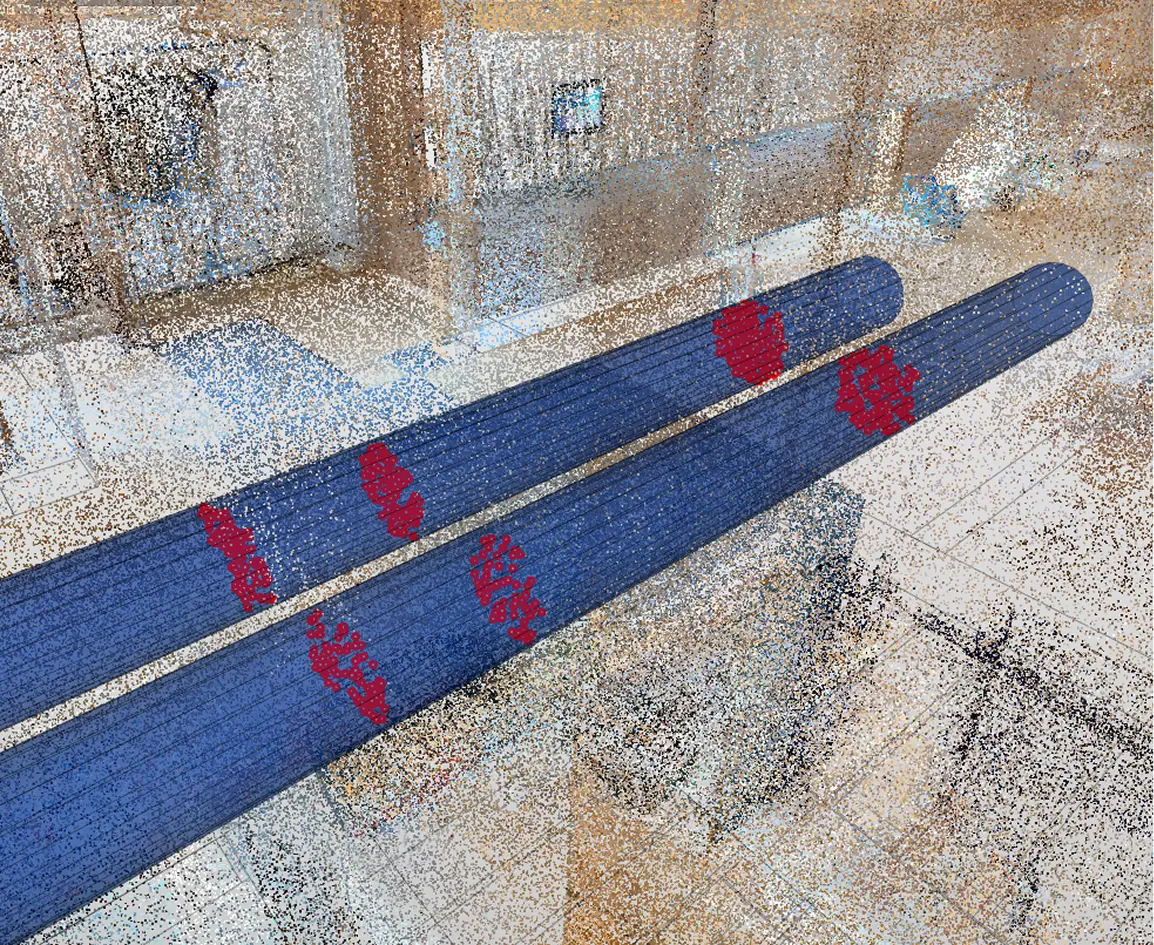
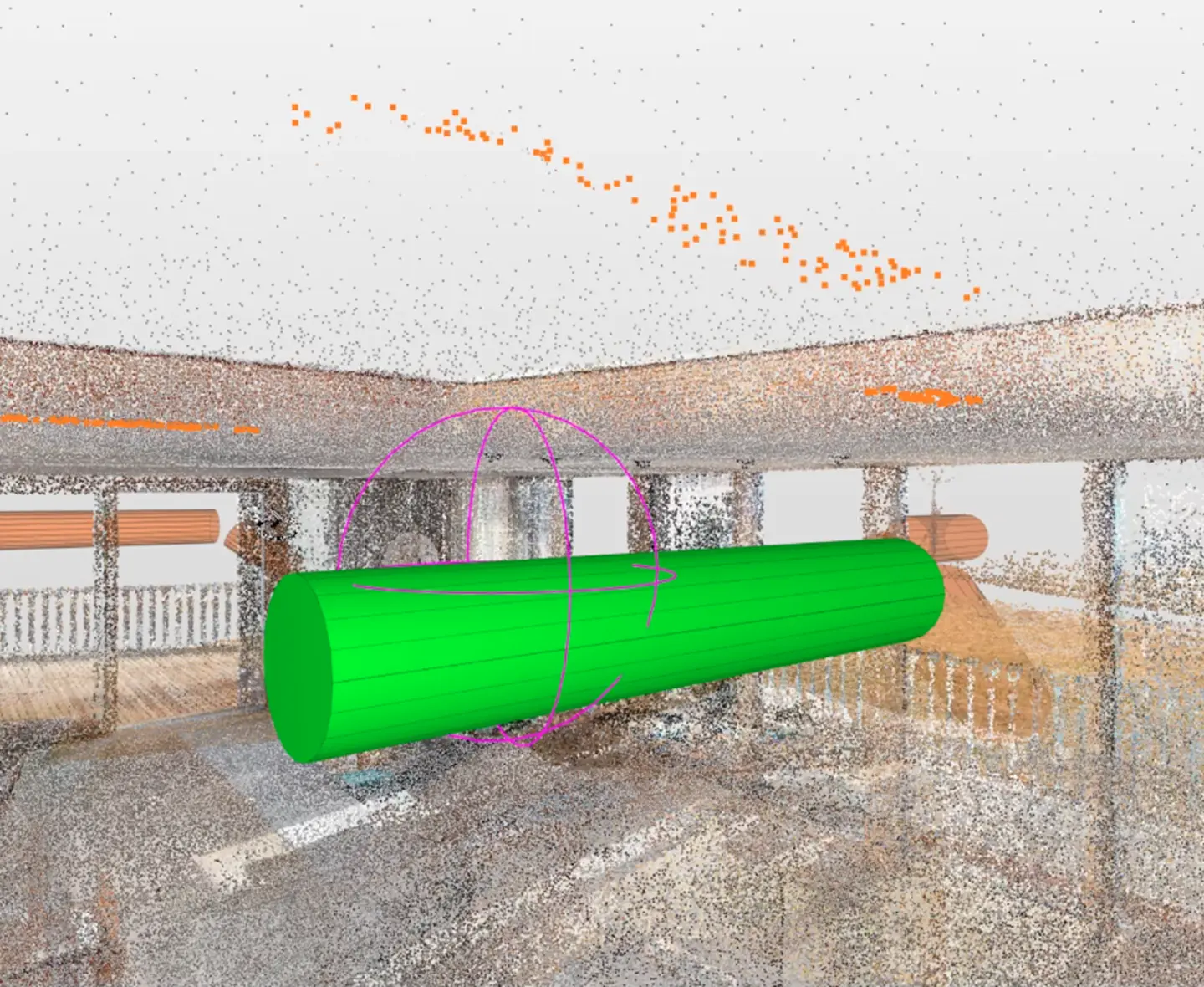
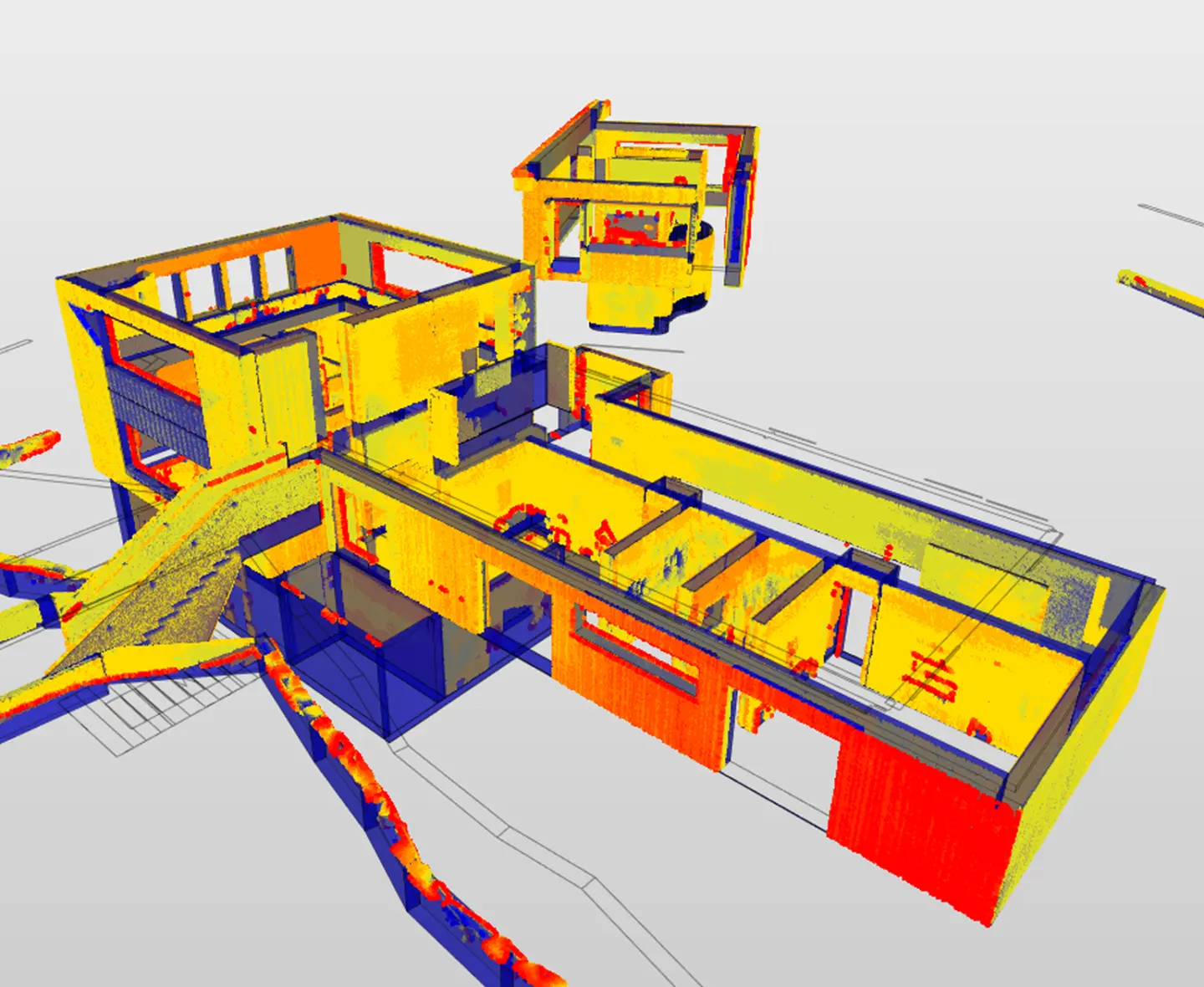
Solibri Point Cloud checking closes that gap. Import your scan data, apply configurable rules, and receive structured results that identify exactly where the built environment deviates from the design: clashes, clearance violations, and geometric mismatches between modeled components and as-built reality.