Skip to content
AI-powered Assistant in Solibri

The AI-powered Assistant built for BIM quality work

The AI-powered Assistant in Solibri reduces the overhead of repetitive checking tasks: configure rules, navigate results, and work through issues in natural language from within your session. It connects to your open model so every answer is grounded in what you are actually working on.

Currently available in Beta.

Solibri brand image 1

Spend less time searching. Stay focused on checking.

In a checking session, most of the time lost is not lost during the check itself. It is spent searching: through menus to find the right rule setting, through documentation to understand an option, through results to locate a specific component, through panels to pick up where you left off.

The Solibri AI-powered Assistant absorbs that overhead. Ask how to configure a rule and the assistant walks you through it without leaving your session. Ask which components are affected by a result and the assistant queries your open model directly. The searching stops. The checking continues.

This is not a general-purpose AI connected to the internet. It is a purpose-built assistant that understands Solibri's domain: rules, checks, issues, and components. Solibri optimized the tool set it draws on for stable, predictable responses, so it delivers reliable results during a real checking session.

Built into your session, not bolted on top

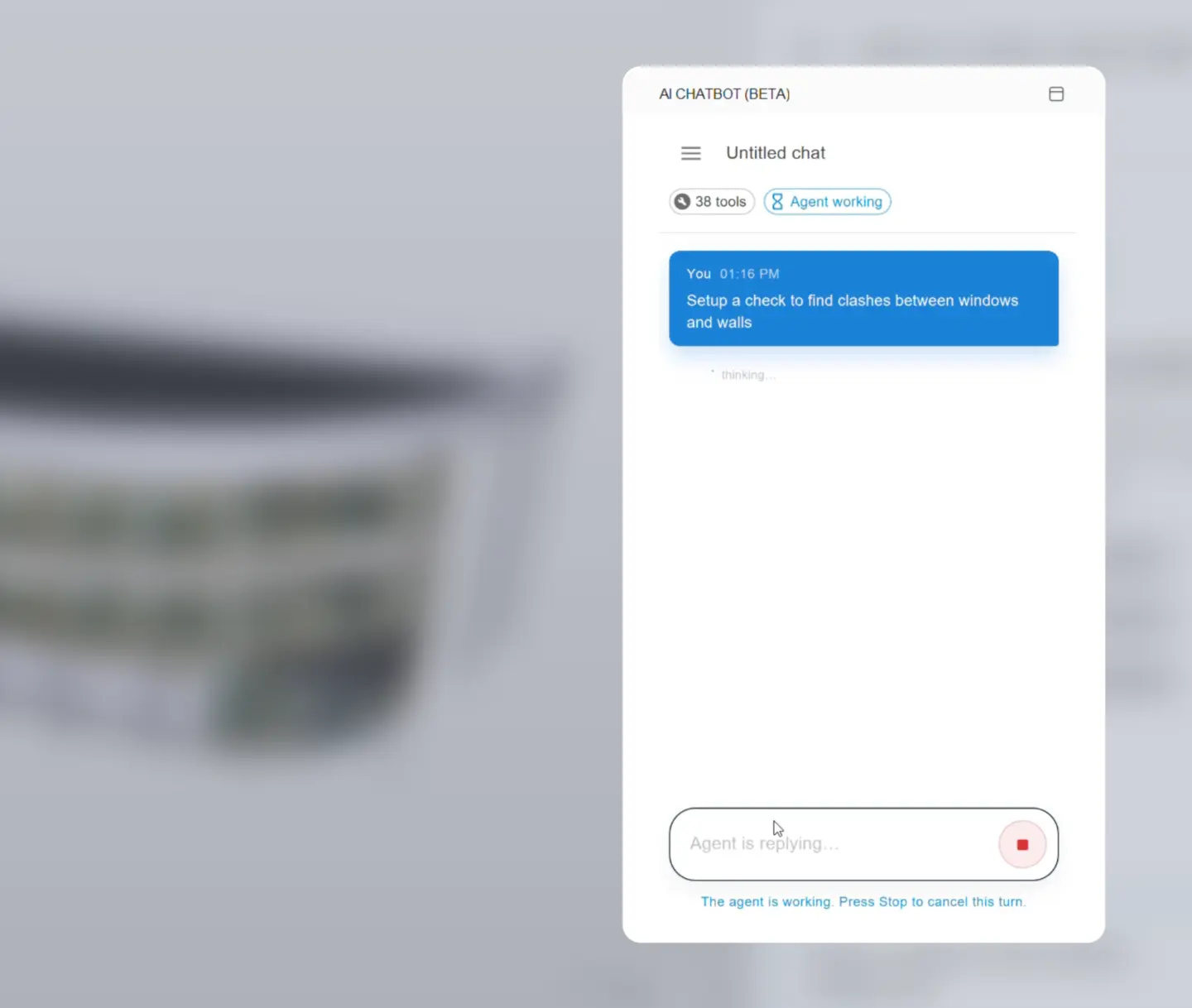
The AI-powered Assistant connects to your current Solibri session. When you ask about components, it queries your open model. When you ask about results, it accesses your current checking output. When you ask about rules, it draws on its understanding of Solibri's rule structure and your active context.

This is model-aware assistance. The assistant is not responding to generic questions about BIM in theory. It is responding to what is in front of you, in the session you are already working in.

A curated internal tool set, built on Solibri's AI infrastructure, handles the connection and enforces reliability: responses are fast, the assistant stays within its scope, and it does not guess when precision is required.

What the AI-powered Assistant can do

The assistant is built around the tasks that consume the most time during a checking session:

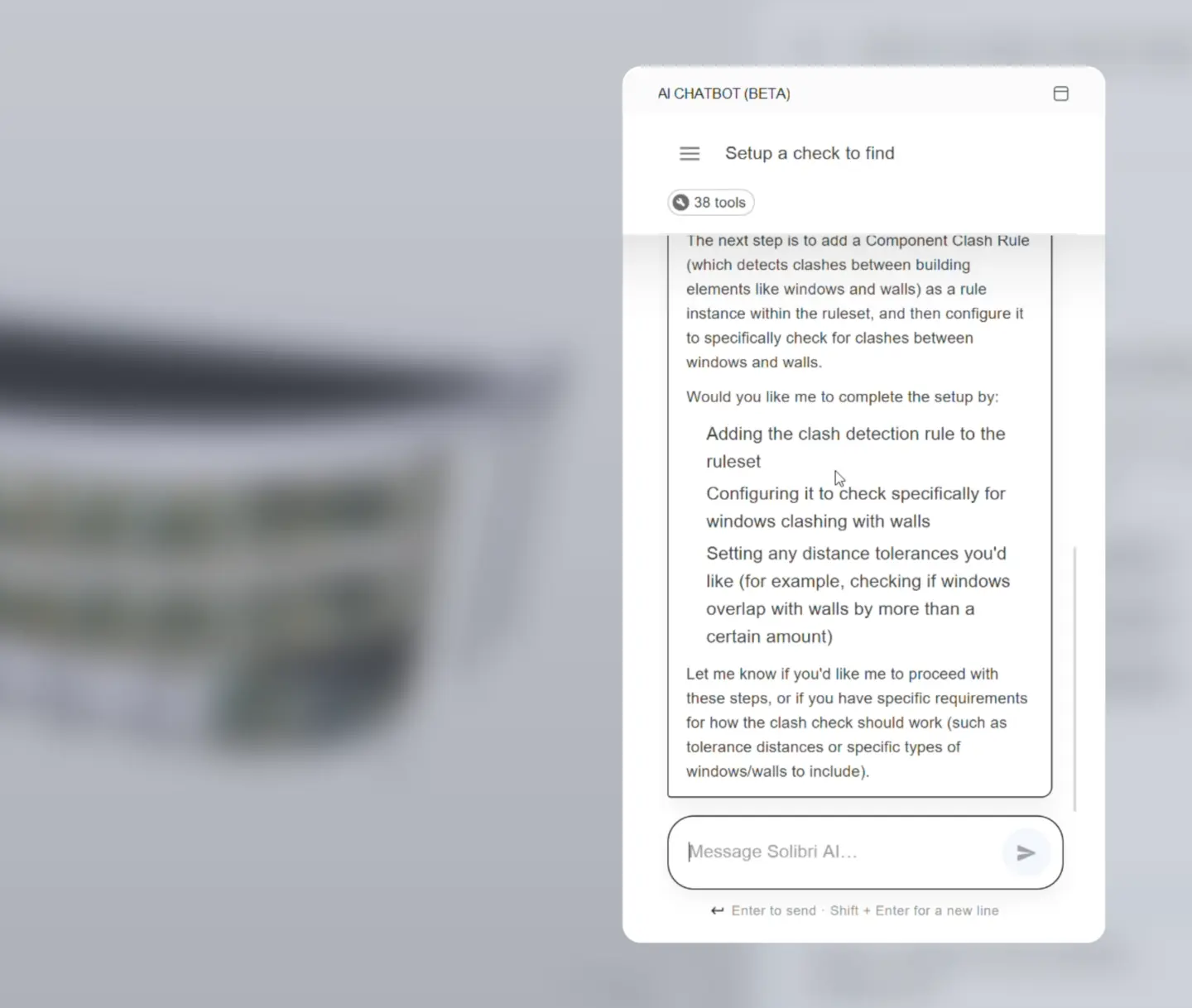
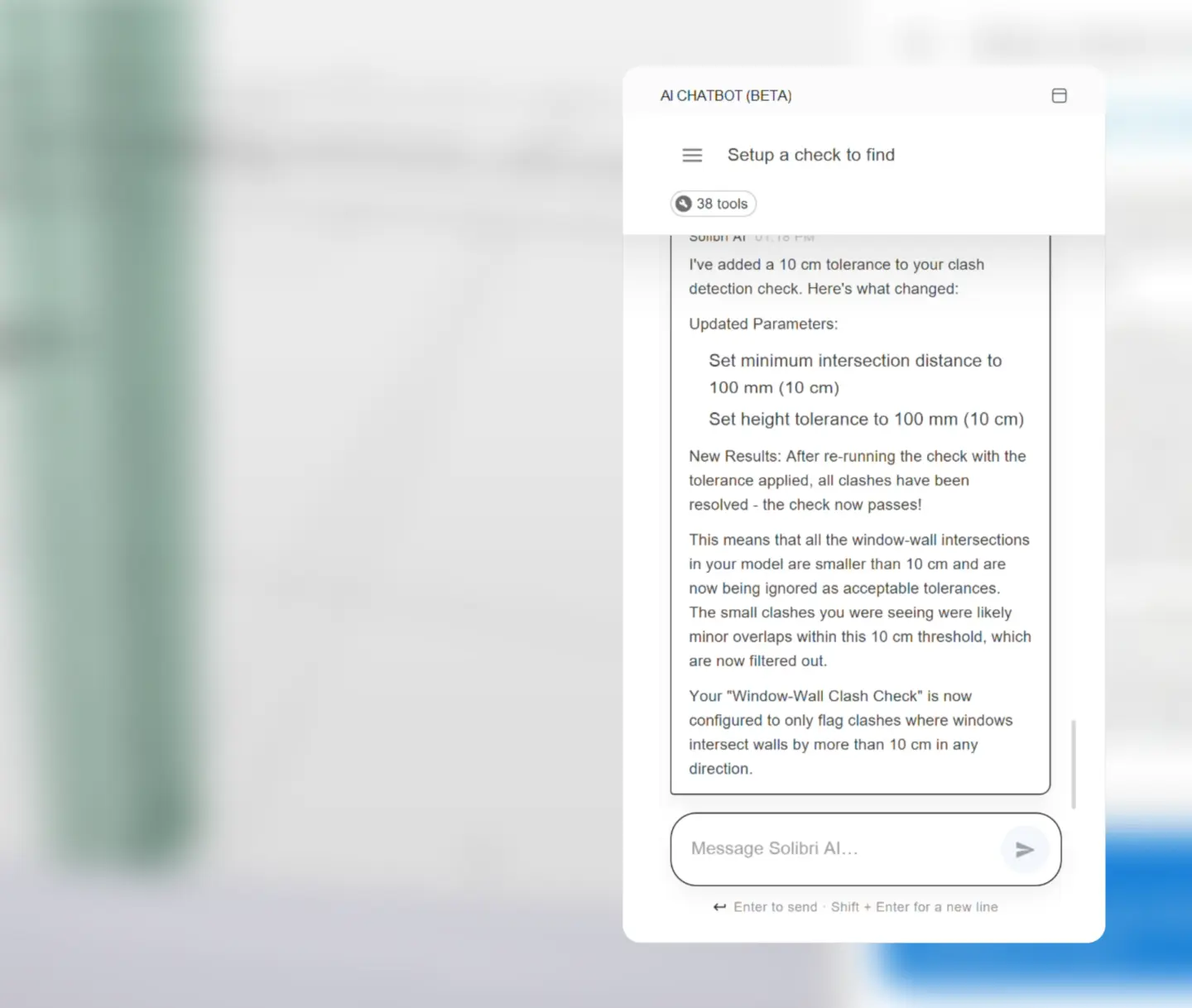
Ask how to set up or adjust a rule in natural language. The assistant provides contextual guidance immediately, with no documentation search, no switching tabs, and no lost session state. It explains the setting in the context of your open project.

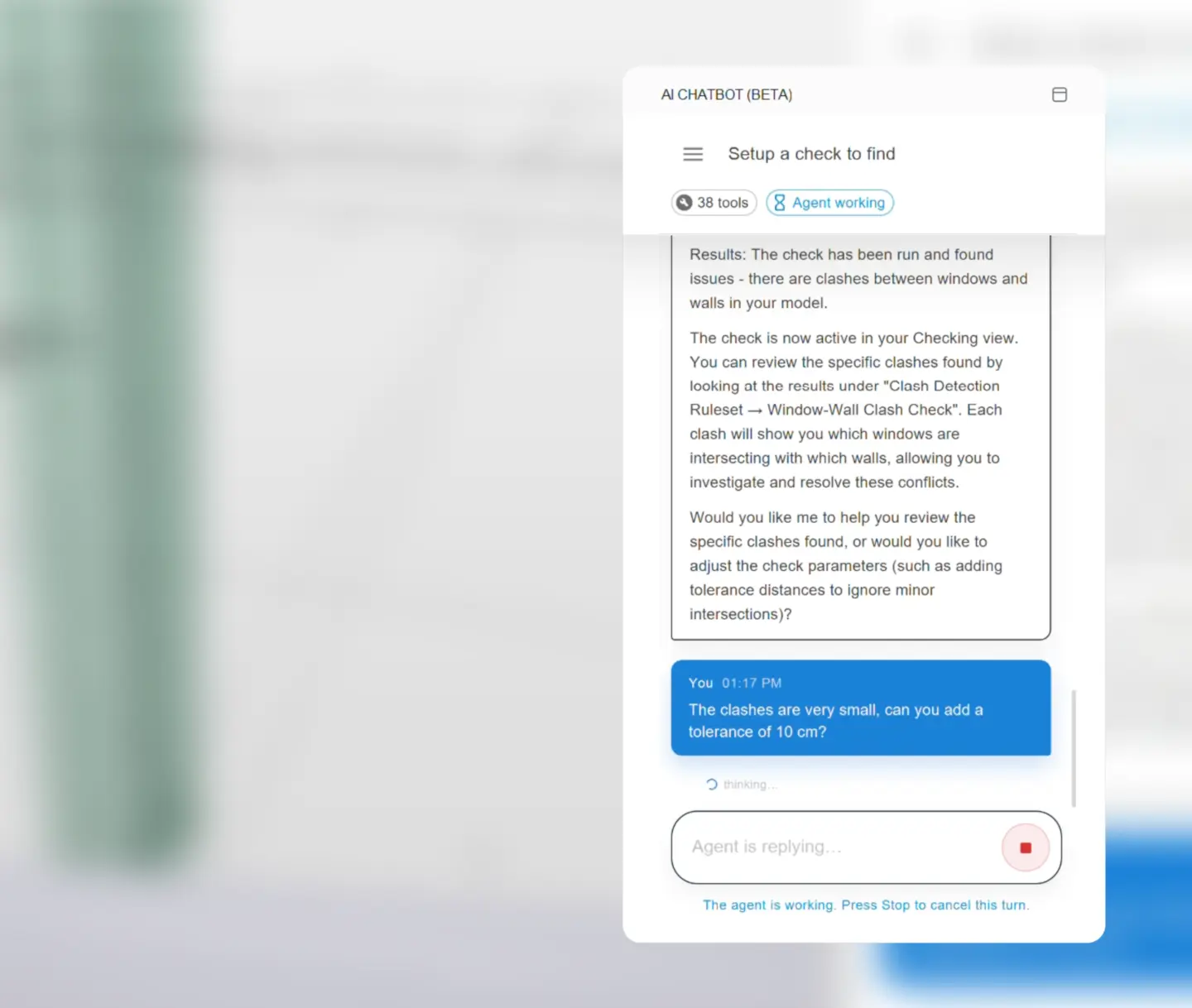
Query components and navigate checking results directly from the assistant without toggling between panels. Ask what is flagged, which elements are involved, and what the result means, and move forward from a single interface.

Work through issues in conversation rather than switching between the issues list, the results view, and the model. The assistant maintains session context throughout, keeping the conversation aligned with where you are in the workflow.

Solibri curated and optimized the tool set for the checking environment. Responses stay fast and consistent across the tasks you perform most often, not just in a demonstration.

Ai step1

Designed for reliability at checking scale

Speed and consistency are not secondary to capability. They are part of it.

BIM managers and VDC leads use Solibri in checking sessions that run under time pressure, across multiple disciplines, and with downstream decisions depending on the output. The repetitive parts of that work, querying components, verifying rule settings, triaging results, are where time accumulates. An assistant that slows down, drifts out of scope, or gives inconsistent answers creates overhead rather than eliminating it.

The Solibri AI-powered Assistant is built around a curated tool set designed for exactly these conditions to:

  • Stay within the scope of what you are checking
  • Perform consistently across a working session
  • Give you results you can act on rather than results you need to verify.

The assistant is not built to do everything. It is built to do checking-related work well, and that focus is what makes it a reliable part of your standard workflow.

Available in Solibri Premium

Premium

The AI-powered Assistant is available in Beta with Solibri Premium.

Solibri Premium is built for organizations that must enforce consistent model quality across teams, disciplines, and projects. The AI-powered Assistant extends that consistency into everyday workflow: BIM managers and checking teams move faster through rules, results, and issues, reducing dependence on institutional memory, manual menu navigation, or documentation searches that interrupt the checking flow.

To access the assistant, Solibri Premium customers need to accept the software update notification within their Solibri environment. The update installs as part of the latest Solibri release, within the existing setup.

Frequently asked questions

The AI-powered Assistant brings natural-language interaction directly into your open Solibri session. Ask questions in everyday language, set up and configure rules, navigate results and components, and work through issues, all from a chat interface built into your Solibri Premium environment. The assistant connects to your current model and responds based on what is actually in your session.

The AI-powered Assistant is available in Beta exclusively for Solibri Premium customers. It is not included in Solibri Starter, Essential, or Advanced.

The AI-powered Assistant is available in Beta in the latest Solibri desktop release (26.6.0). To access it, accept the software update notification when prompted within your Solibri environment. The update installs as part of the standard release process.

The assistant connects to your current Solibri session through a curated internal tool set built on Solibri’s AI infrastructure. It only gains access to your open model, current results, and session context with your explicit permission, not by default. Once permission is granted, it can respond based on what you are actively working on in Solibri. It does not access external data or browse the internet.

No. The AI-powered Assistant is an additional way to interact with Solibri. All existing views, panels, and controls remain available. The assistant accelerates specific tasks, particularly rule configuration, result navigation, and issue management, without changing how Solibri's core checking engine works.

The AI-powered Assistant is included with Solibri Premium. It is available within your Solibri desktop application as part of your Premium subscription, and is separate from Solibri's cloud environment and WebChecker.

Check faster. Decide with confidence.

The AI-powered Assistant in Solibri helps you configure rules, navigate results, and resolve issues in natural language, all while staying connected to your live model.