Borrowing Licenses
Under normal conditions, an Internet connection is required to access a license to the Solibri Model Checker (SMC). For those times when you don’t have access to the Internet, it is possible for you to “Borrow” a license from your license pool so you can work offline, or remotely. We are going to show you how easy this is to accomplish in SMC.
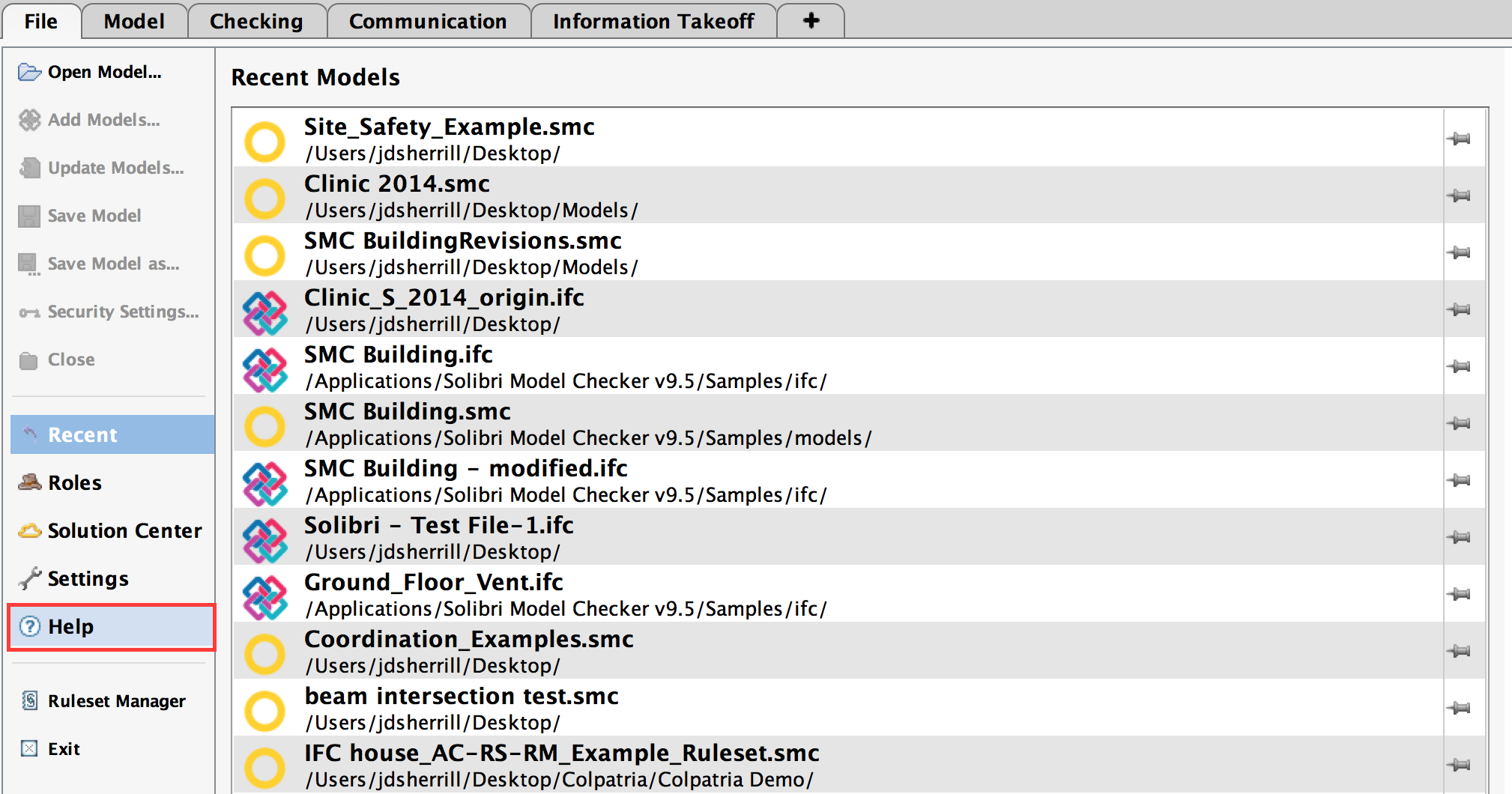
From the File Tab, select Help.
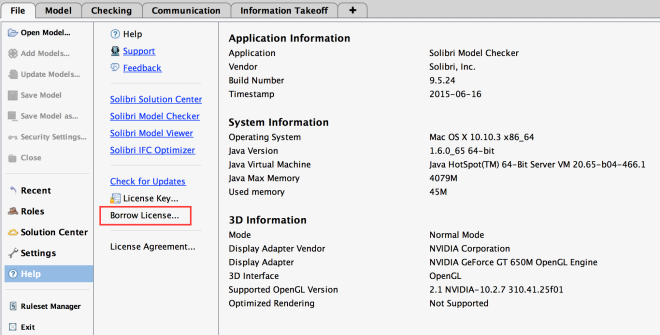
Then, select Borrow License from the help directory that appears.
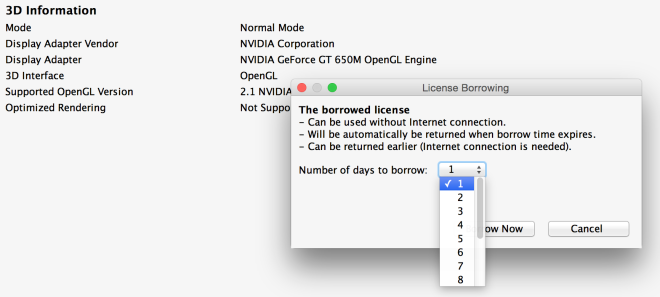
When prompted, choose the Number of Days you would like to borrow the license (1-14), and select “Borrow Now.”
Now, SMC will work without a network connection, and there will be no license or network-related interruptions to your work.
Its important to note that the license borrowed reduces the number of licenses available for the other users in that License Pool, until the license is returned, or the requested time expires. If desired, you can return the license to the license pool before the end of the borrowing period.
Once a license is borrowed, the “Borrow License” option becomes “Return License” in the Help directory.
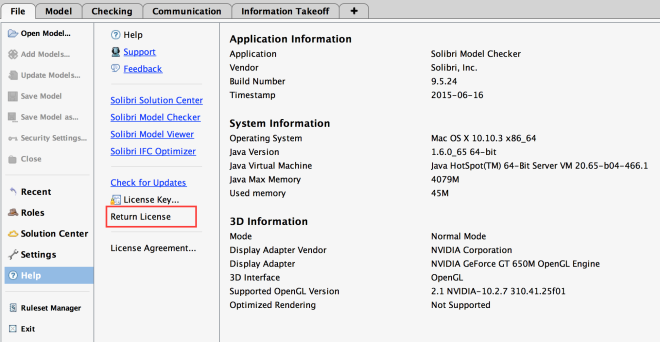
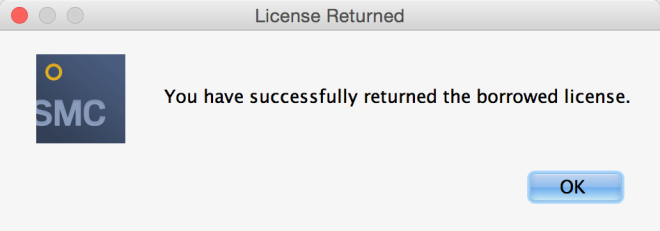
You can now select “Return License” to return it to the license pool for all users. A message appears confirming the license was returned successfully.