New in Version 9.6: Dock/Undock/Maximize Dropdown Options
In Solibri Model Checker Version 9.6 the Dock/Undock/Maximize buttons have been moved to a single drop-down options button in the top right of every view:
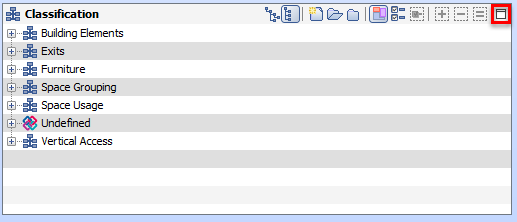
When clicked, a drop-down list is displayed to allow the user to select between the following options:
– Maximize: Maximize the view to the entire application window.
– Restore: Restore the maximized view to the previous location.
– Dock: Dock the view to a certain position within the current layout.
– Undock: Undock the view from the layout to be an independent window.
– Close: Close the view.
Prior to version 9.6, these buttons were individual buttons that could be accidentally clicked.