Hotkey: Expand All
It is not well known that you can expand all branches and sub-branches of the model tree in the Model view, rulesets in the Checking view, and results in the Results view by pressing the Ctrl + ► key combination. Likewise, you can collapse all branches by hitting the Ctrl + ◄ key combination.
Benefit: Save time and see all information at once using the Ctrl + ► key combination.
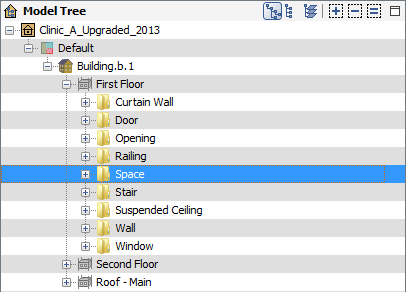
Select an item such as spaces on a specific floor in the model tree:
Press Ctrl + ► to expand all branches of items below the selected item:
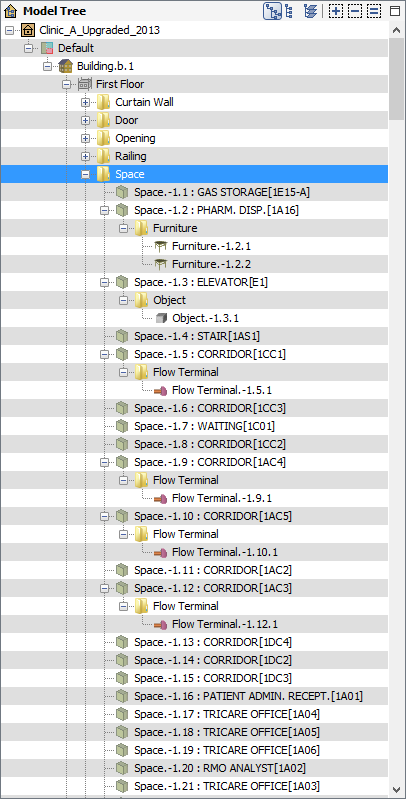
All spaces and their contained components are listed in the model tree.
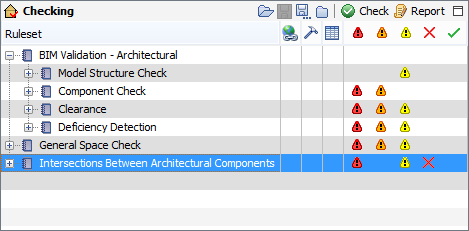
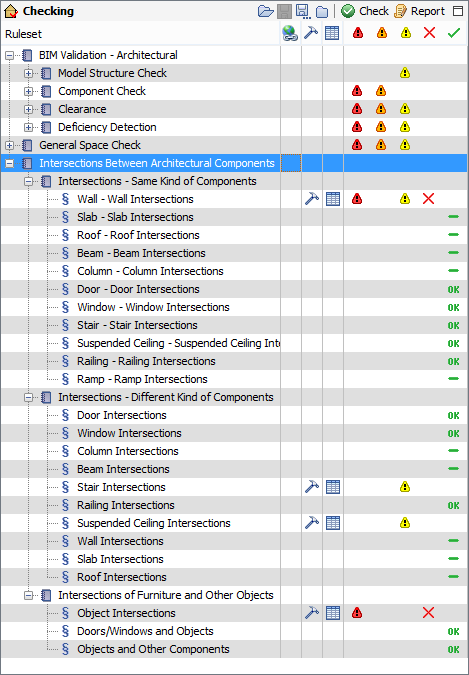
Select a ruleset such as one that checks for intersecting components, and press Ctrl + ► to expand all branches of rules below the selected ruleset:
All rules are expanded grouped by their parent rulesets:
More information on hotkeys can be found in the article: