Resetting a Forgotten Password
You use your Solibri Solution Center (SSC) username and password to login to the Solibri Solution Center as well as register Solibri software.
If you forget your password or wish to change it, you can easily do so by going to the SSC at https://solution.solibri.com/ and click the FORGOT PASSWORD? link:
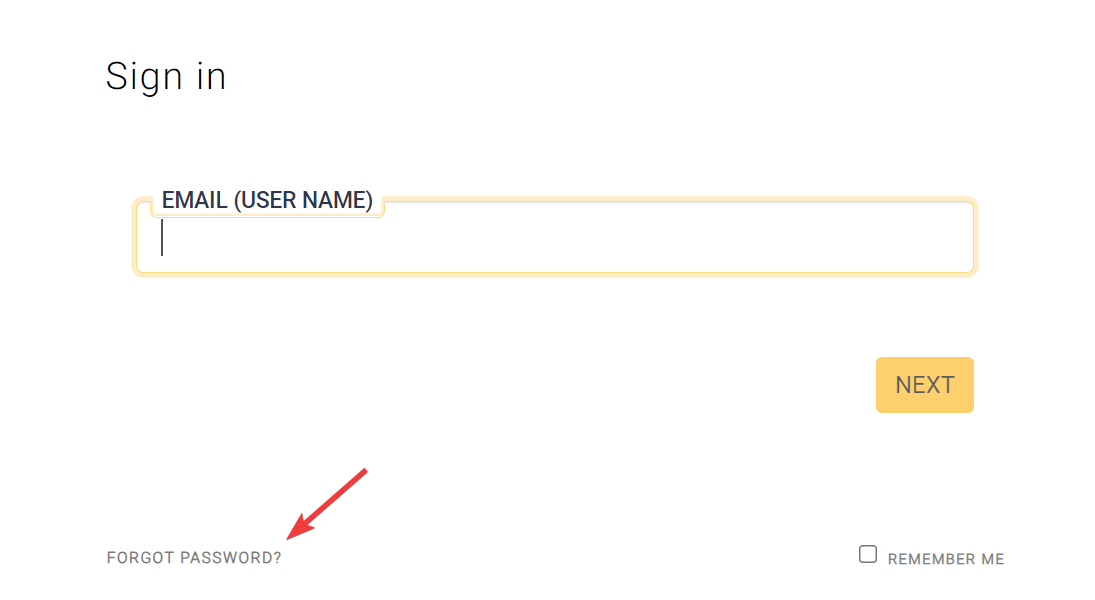
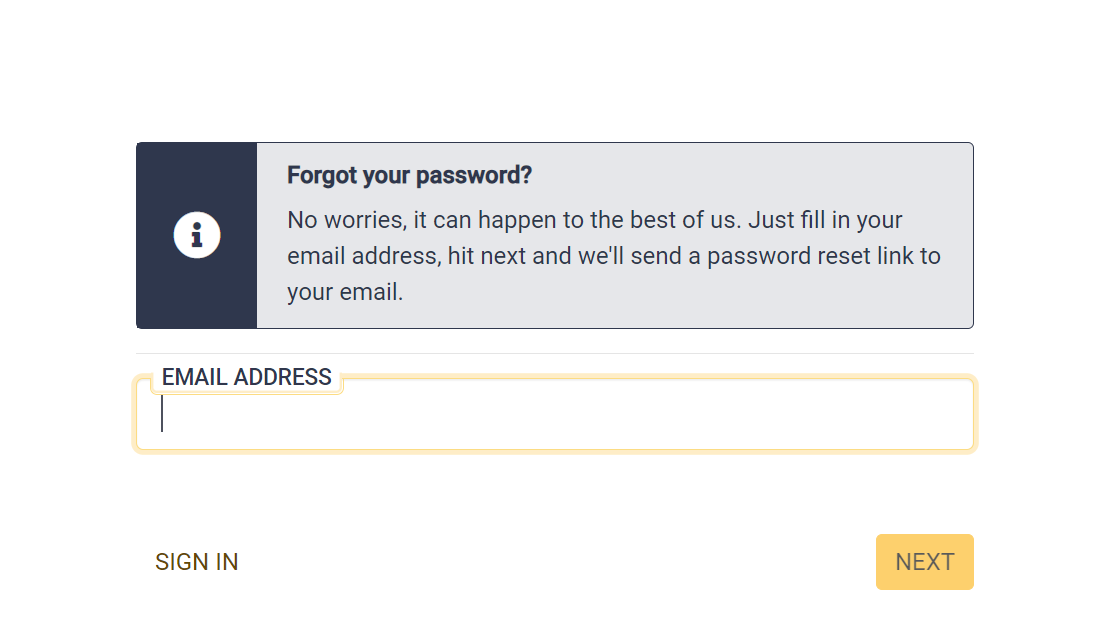
A dialog will prompt you to enter your username, which should be your email address that was used when you or your license administrator added you to your company’s SSC account. Enter your username and click the NEXT button.
A page will open with a box to enter a password key along with your new password. An email will be sent to the email address used for your SSC username, which includes a password key. You can either copy the password key into the webpage below or simply click the "Confirm Password Chage" link in the email.
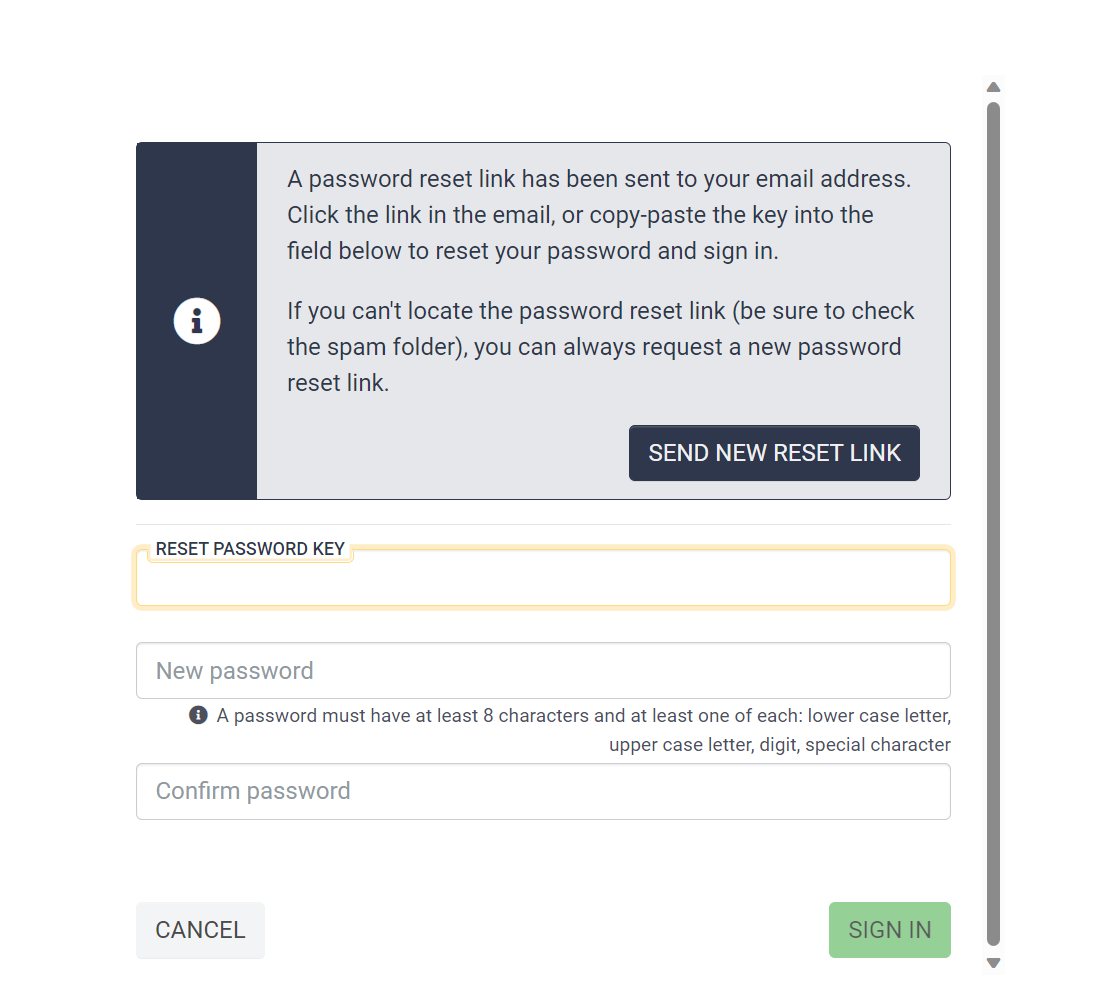
You must enter a password that is at least 8 characters long and contains an uppercase character, lowercase character, a number, and a special character.