Solibri Release Notes - Hotfix 26.4.1
Release date: Tuesday 21.04.2026 15.30 EEST
This hotfix release focuses on improving the login and authentication flow and includes several bug fixes.
You can access the latest Solibri version 26.4.1 in the Solibri Center by selecting Solibri Desktop and opting for the newest version.
Login and authentication
Login flow: 26.4.1 brings with it an external browser login and authentication flow. Login will now direct to a browser, where you can enter your credentials to continue.
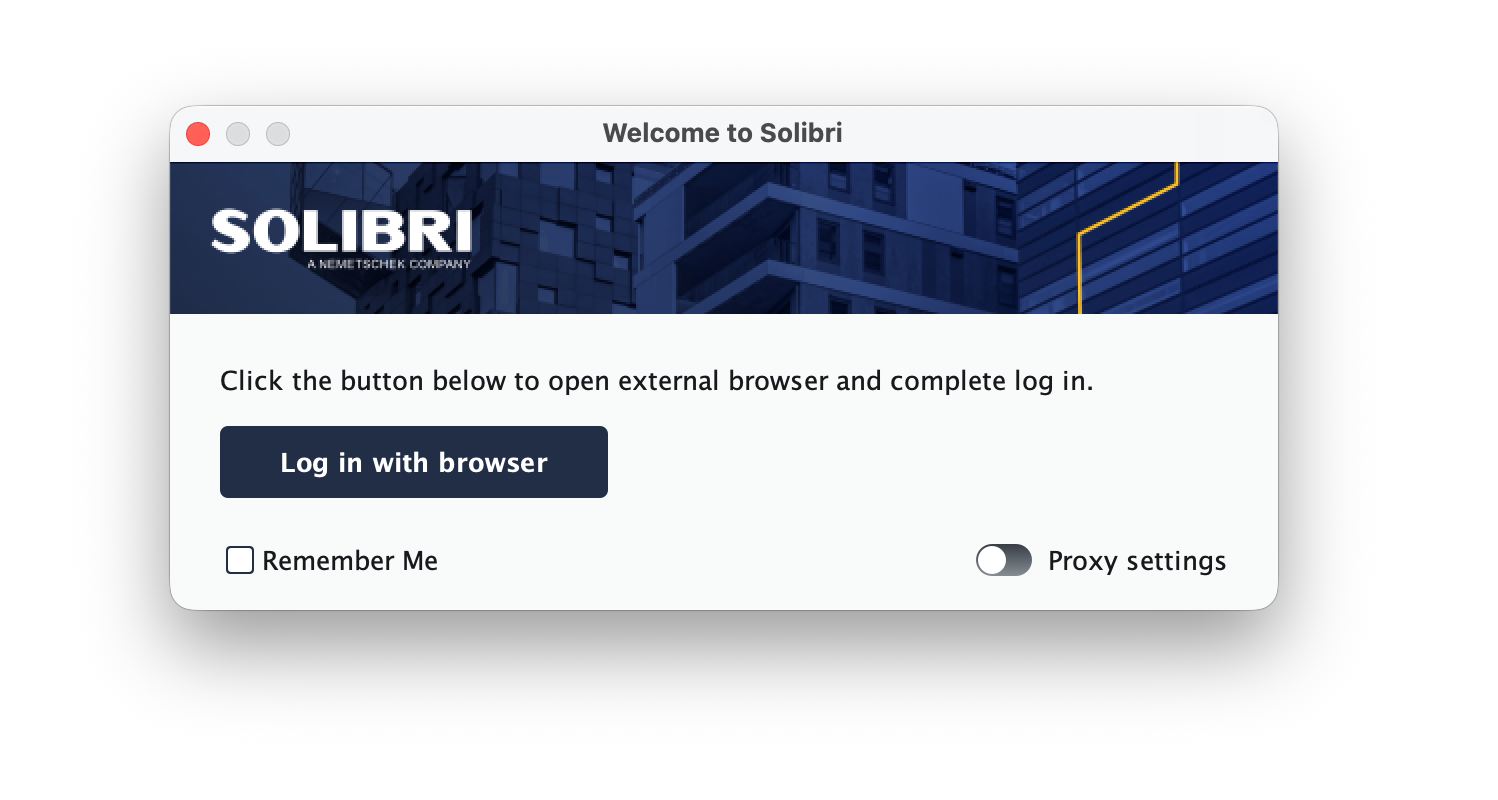
Passkey support: We have now added support for Passkey, and it can be used to login in Center and Desktop. To setup and utilize Passkey, remember to set this up in Solibri Center.
AutoDesk login: It is now possible to login with your Autodesk credentials, as long as the email is the same as your Solibri license email.
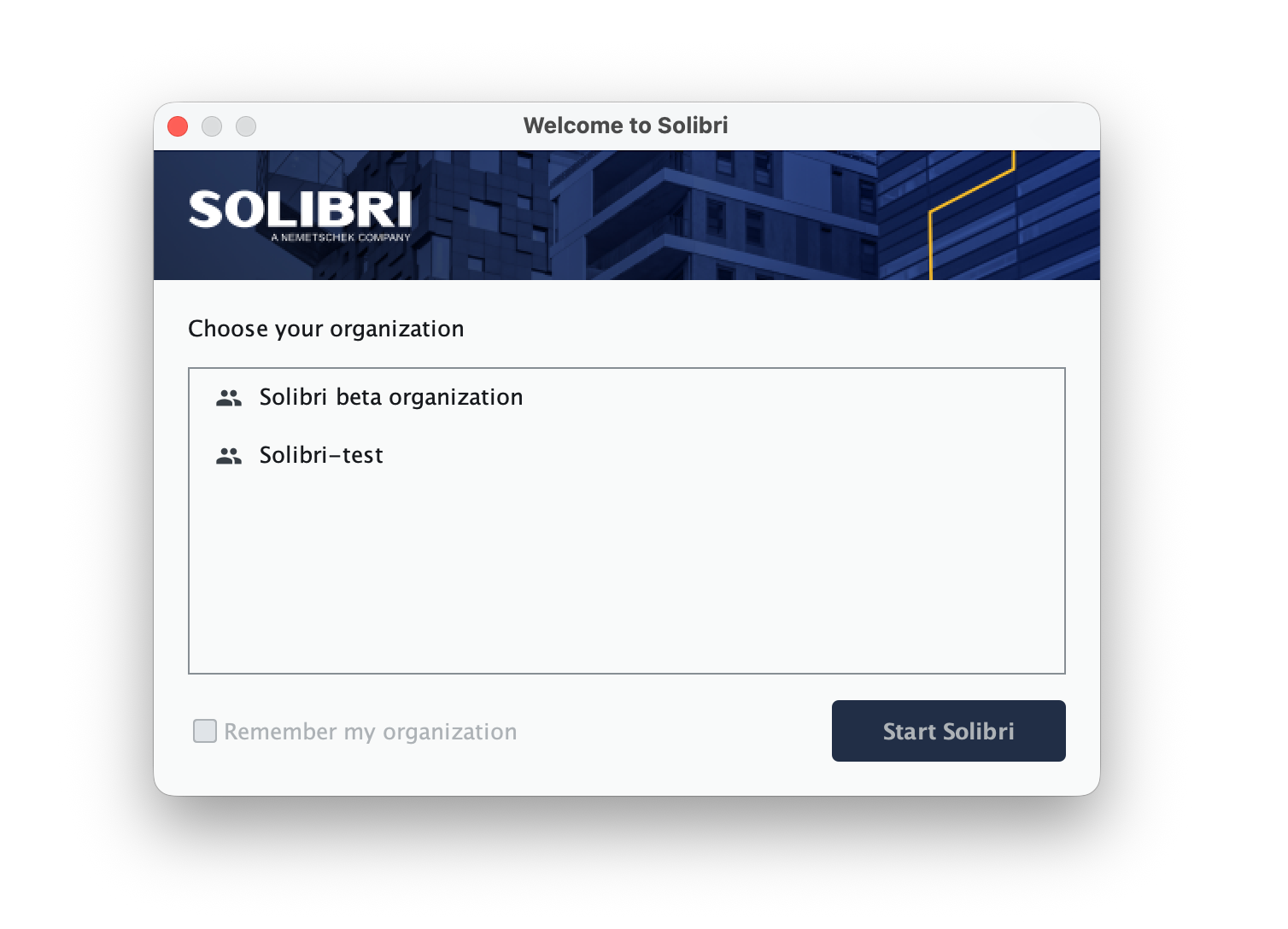
Multiple organization support: If you are part of multiple organizations, it is now possible to select which organization you want to consume a seat from. The organization selector pops up after login.
Private CDE and BCF connections
We have now added the possibility to connect to local/private CDE and BCF connections fully offline. For more information, contact [email protected].
Other improvements and bug fixes
Solibri Developer Platform
- We have changed Component.getMaterial to no longer return the thickness in addition to material name.
Rule 207
- Resolved an issue resulting in a null pointer exception in handrail check.
- Improved gradient ratio reporting.
Rule 210
- Added an option to specify the start of handrail extension.
- Improved stair rule step identification and step counting.
Rule 222
- Resolved an issue where incorrect Minimum2D distance was calculated when footprints have holes or were split.
Rule 244
- Resolved an issue where IDS Rule failed with ModelNotFoundException for specific IFC models.
Rule 245
- Resolved an issue where preconfigured Clash Detection Matrix failed in non-English environments due to discipline name mismatch.
Rule 248
- Resolved an issue where allowed protrusion was not applied
- Resolved an issue where barely touching obstacles next to the target components were reported as issues.
- Resolved an issue where components were filtered out of wrong space which should not be reported as checked.
Important notes
IDS Editor
IDS Editor access has been restored to its previous configuration. All users with valid Solibri credentials can now access the IDS Editor.
Solibri Anywhere
To address confusion around Solibri Anywhere becoming a legacy product, we’ve added more information in the FAQ section on this page.
In a nutshell, current 25.12.0 Anywhere users can continue using that version. If they’ve automatically updated and lost access, they can regain access by simply downloading the 25.12.0 version again through Solibri Center. We do apologize for the confusion caused around this.
Pro tip: Anywhere 25.12.0 can be installed, assigned a shortcut and run alongside the new 26.4.0 version.
Default installation location
To help reduce the cases of users overwriting existing Anywhere installations, we have changed the installer logic so that by default a new version is not installed on top of an existing one.