What's new in Solibri CheckPoint – December 2025
Introducing Company Libraries for better knowledge sharing and other product updates.
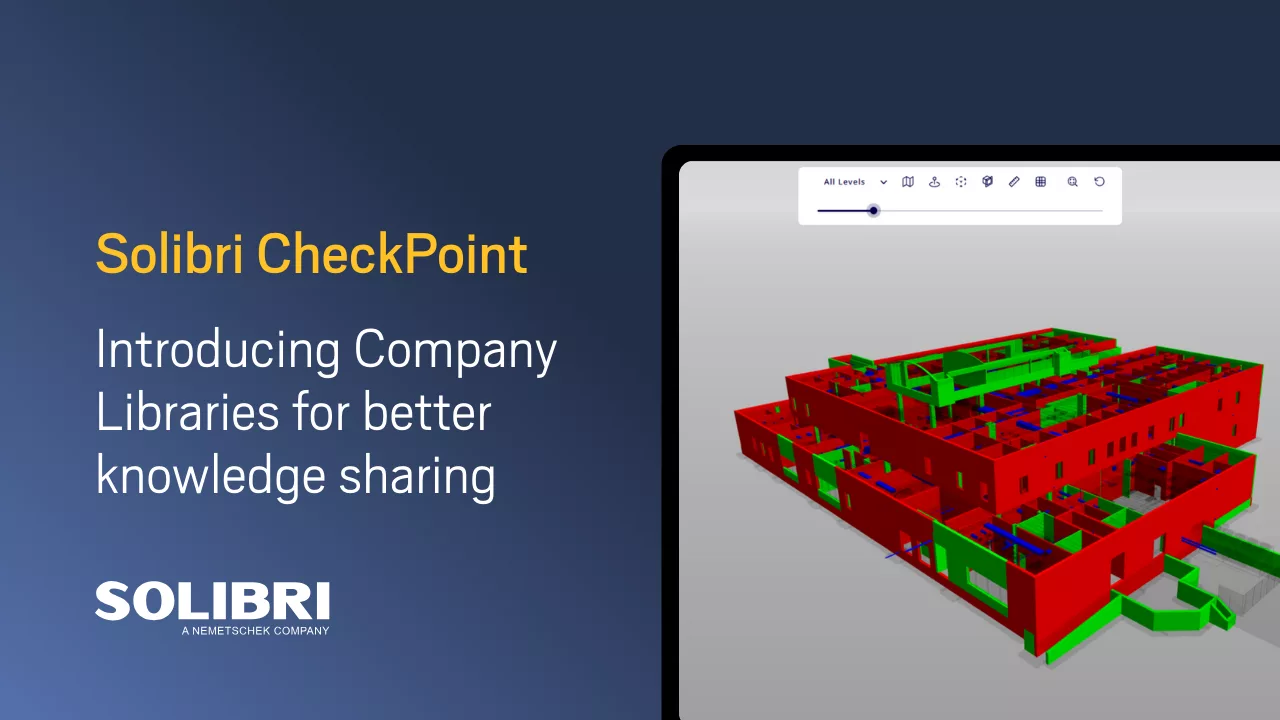
Solibri CheckPoint introduces company-wide libraries, faster workspace setup, and broader model format support to make BIM quality assurance more consistent and reliable across projects.
Company Libraries
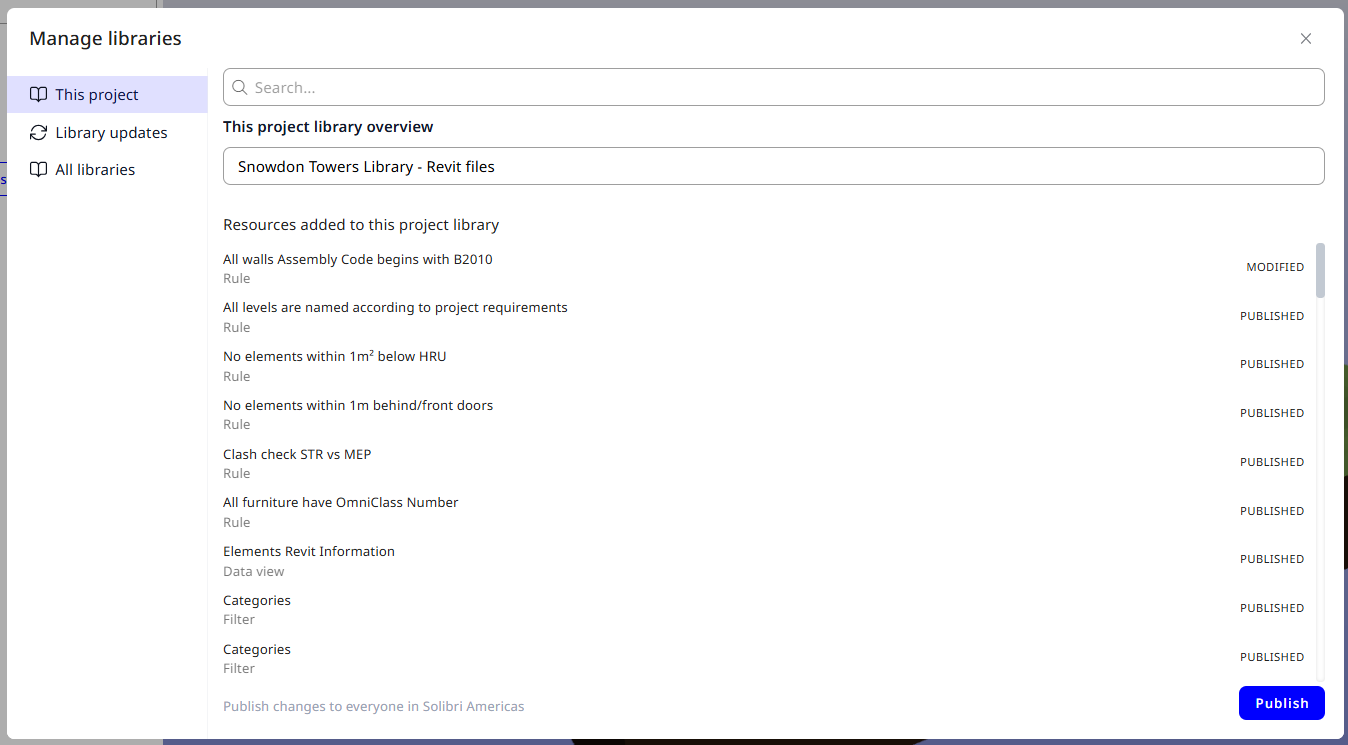
With this release, Project Admins can promote high-quality Project Libraries to Company Libraries that are available across all current and future projects in the organization. This helps standardize filters, rules, and data views at scale, so teams reuse proven checks instead of rebuilding them project by project. For a deeper dive into how libraries work, including sharing levels, roles, and permissions, see the Library help article.
Faster workspace setup with bulk actions
Users can now add all resources from a Personal, Project, or Company Library to their workspace in a single click. This applies to the entire library or one level deeper, such as all data views, all filters, or all rules, making it faster to get a project-ready checking setup.
Simpler filtering: all filters in the library
Inline filters have been removed for clarity and consistency. When you create a filter directly inside a Rule or in the Data Viewer, it is now automatically added to the library, and all existing inline filters are converted into personal or project library items to match the library of the Rule or Data View.
Model format and upload improvements
Solibri CheckPoint now supports Revit 2026 files, while Revit 2020 and older files require additional time to be updated and processed because they are no longer directly supported by Autodesk. The direct IFC/RVT upload mechanism has also been modified to improve reliability, performance, and security for model imports.
Bug fixes
This release includes a series of stability and usability fixes across licensing, projects, and model handling.
- Fixed the issue where exporting an Excel file resulted in an error when running a rule from a library.
- Fixed license issues that were triggered by using CheckPoint in both the U.S. and Europe regions.
- Fixed the issue where the Playground project was inaccessible in some cases.
- Fixed multiple issues with loading models while canceling or switching projects at the same time.
- Fixed the issue where creating data views was blocked when no data view was already present.
- Fixed the issue where 3D results would not show the first time a rule is executed.
- Fixed the bug where the message “No license seats available” was showing incorrectly.
- Fixed the issue where the model upload sometimes did not show progress beyond 30%.
- Fixed the issue where “Select latest” (version) in third-party projects did not work as intended.
- Fixed several issues with duplicating filters and rules.